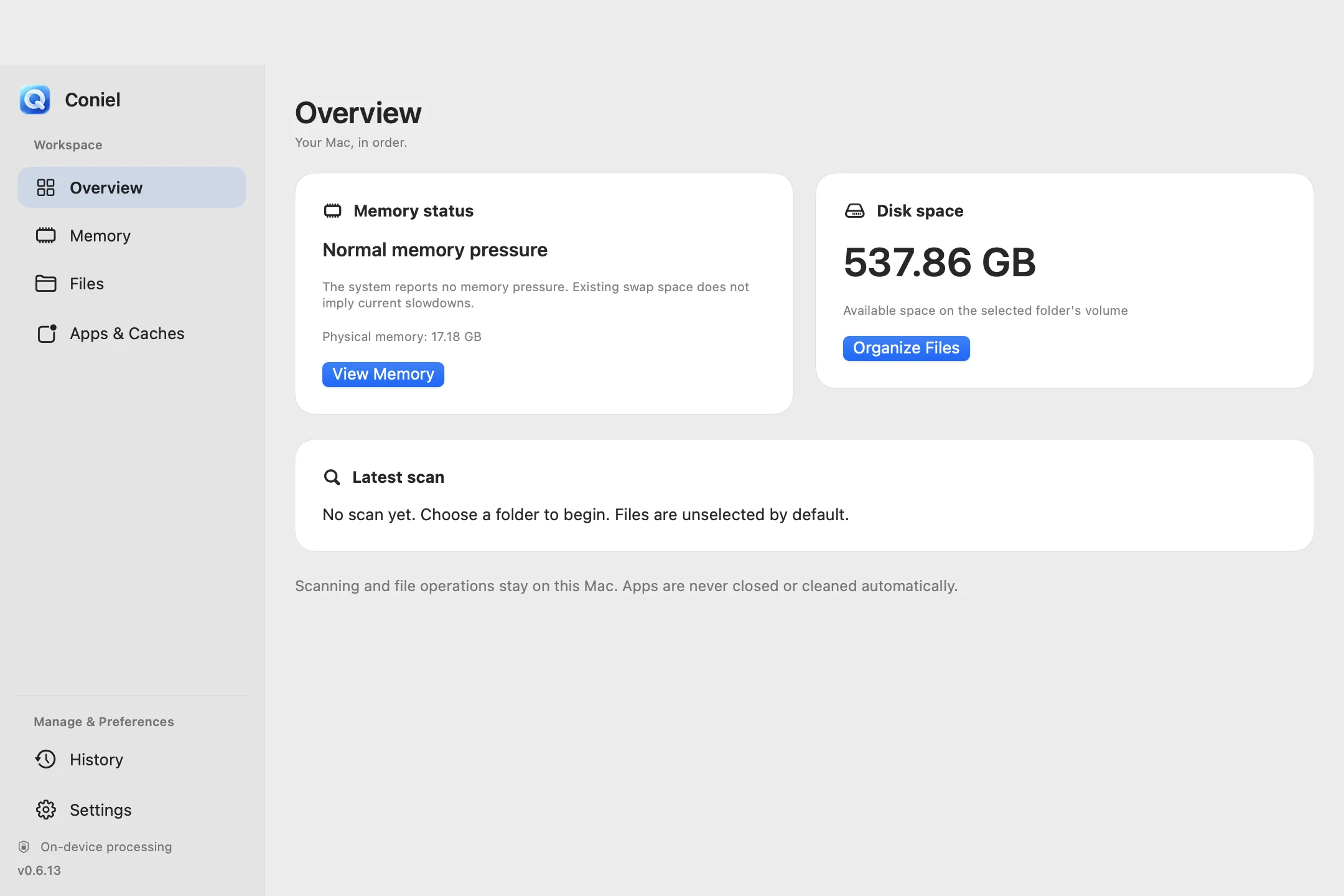
 View screenshot ↗

Coniel
Mac + WindowsA clearer view of your Mac.
Understand memory usage, find files worth reviewing and organize app cleanup from one native workspace.
Coniel for Mac + Windows: 14-day trial · US$9.99 one-time
A LITTLE LESS FRICTION. A LITTLE MORE FOCUS.
Focused tools. Find something that fits your day.
Five focused apps. One place to discover them.
THE COLLECTION / 01—05
One app for each little thing.
Choose what fits your day.
View screenshot ↗Understand memory usage, find files worth reviewing and organize app cleanup from one native workspace.
Coniel for Mac + Windows: 14-day trial · US$9.99 one-time
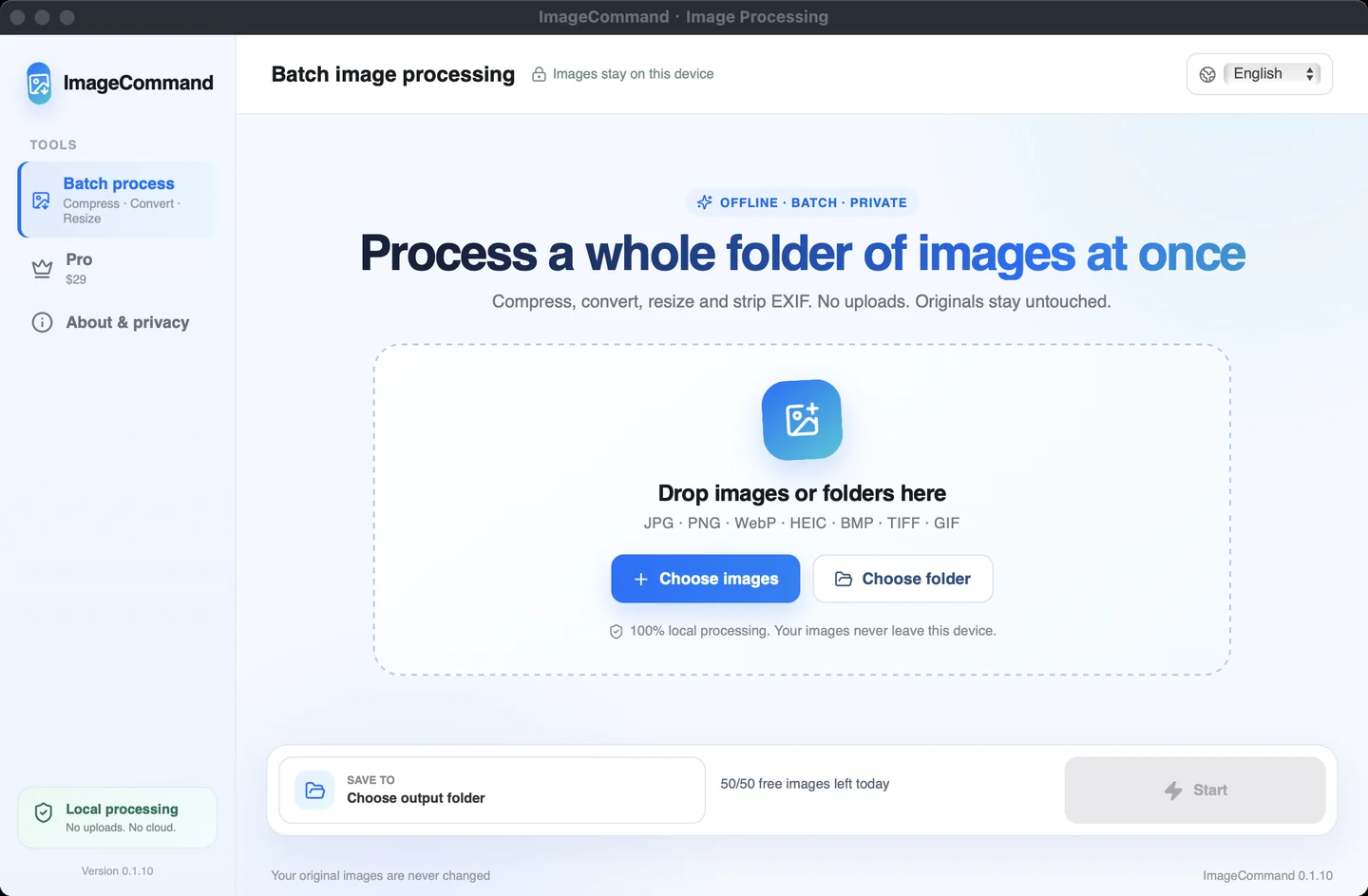 View screenshot ↗

Convert, compress and resize images in batches. Process your files locally and spend less time repeating yourself.
Free: 50 images/day · Pro: US$29 one-time
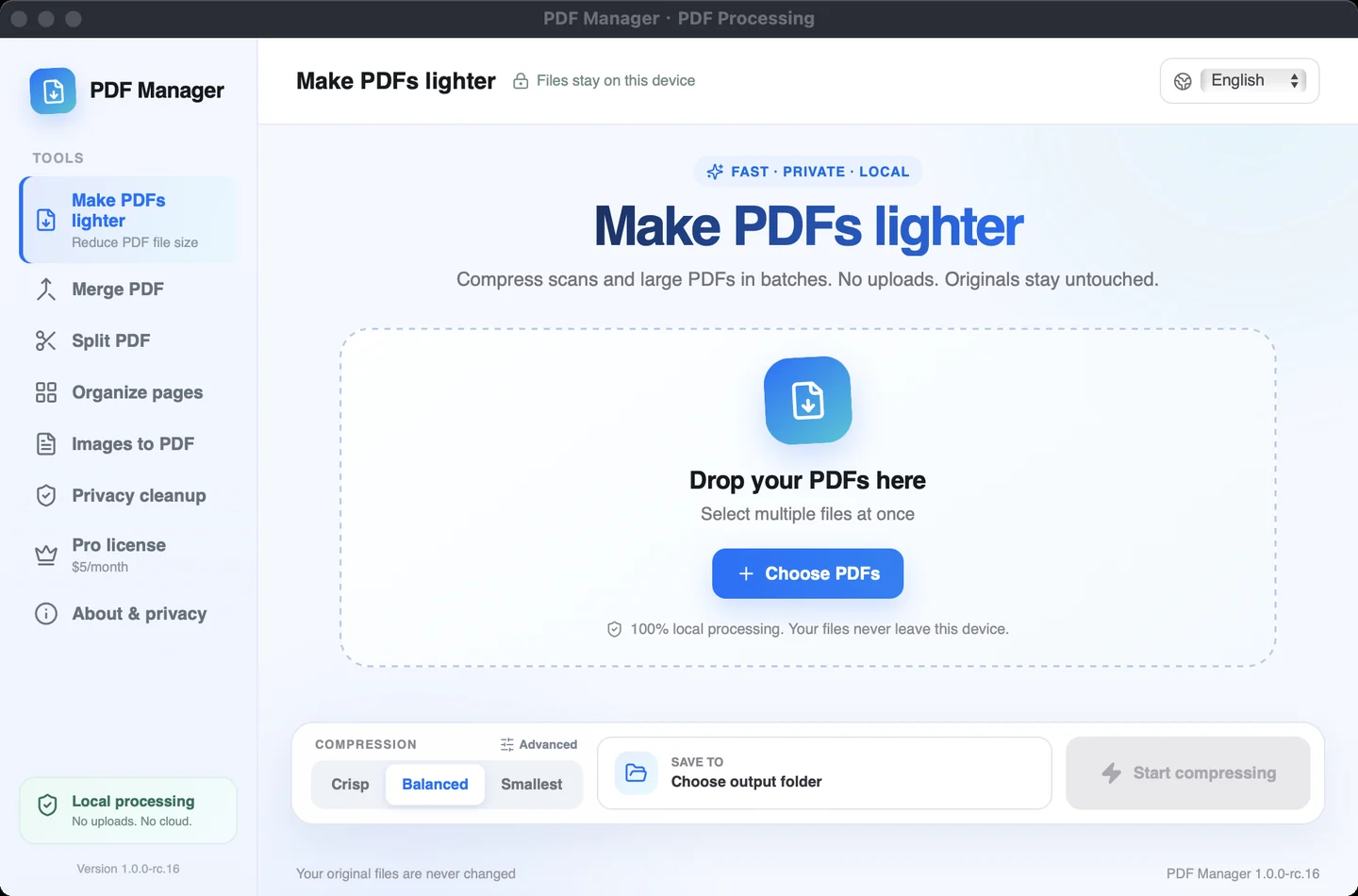 View screenshot ↗

Compress, merge and organize documents in a focused desktop workspace. Keep everyday PDF tasks close at hand.
Free: 5 PDFs/batch · Pro: US$5/month
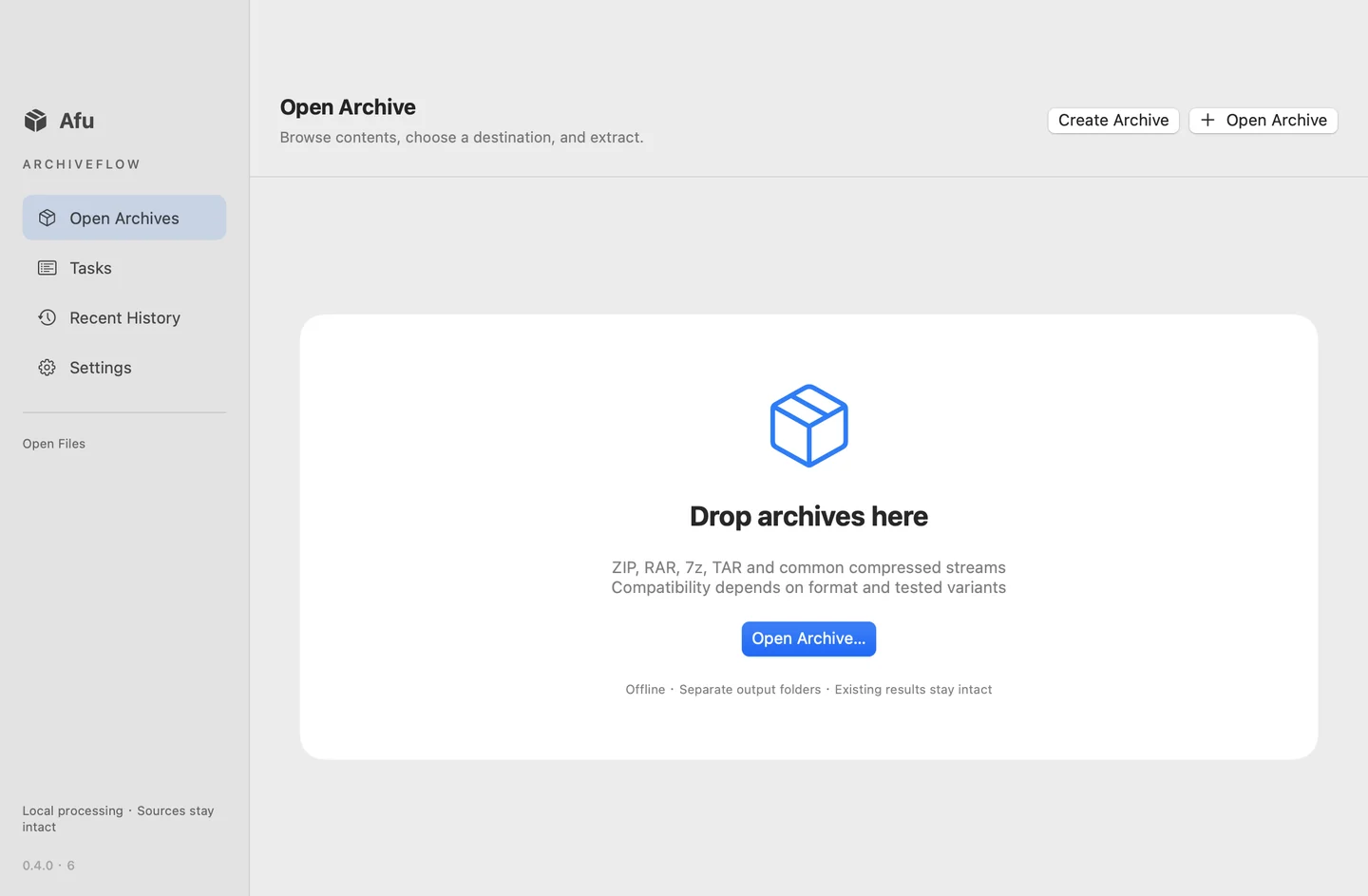 View screenshot ↗
Create ZIP, 7z and TAR archives, encrypt ZIP/7z with AES-256, and extract selected files locally. Single-archive extraction is free; Pro adds batch extraction.
Free single-archive extraction · Pro: US$9.99 one-time
 View screenshot ↗
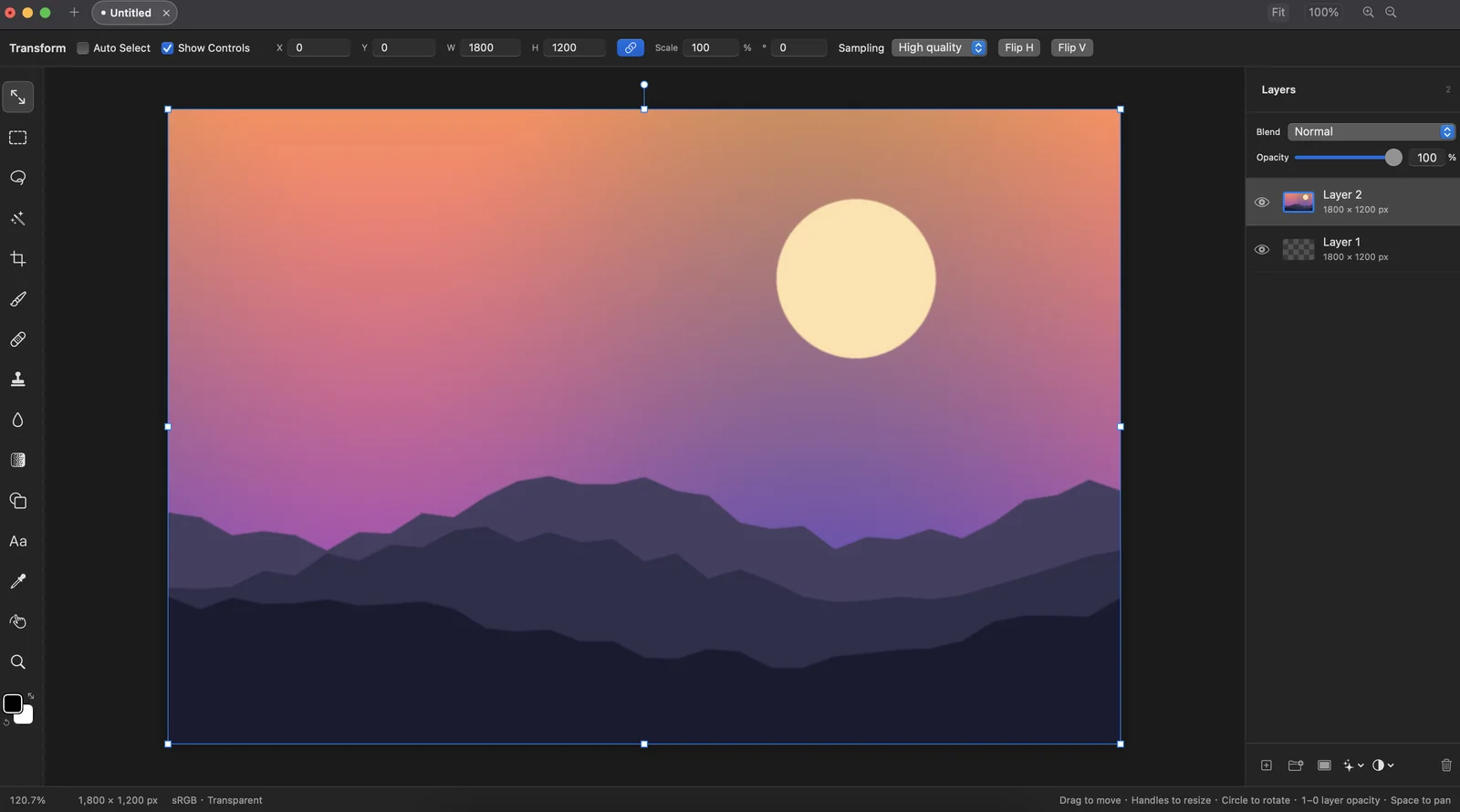
Combine images with layers, folders, masks and blend modes, then refine them with Levels, Curves, Hue/Saturation and Camera Raw adjustments and GPU-rendered layer effects. Free and open source.
Free · open source (MIT)
A SMALL, FOCUSED COLLECTION
Focused apps for specific jobs, from a folder full of images to a quieter corner of your desktop.
Explore real screenshots and platform details before choosing the app that fits your computer.
The current Mac builds support English and Chinese inside the app.
OFFICIAL DOWNLOADS
Pick your app. Check your platform.
Download directly from this site.
These Mac builds are not Apple notarized. ImageCommand and PDF Manager are Intel builds and require Rosetta on Apple Silicon. Current installers and release manifests for every product are hosted on this site.
Windows x64 · full installer
9d402254f39757b5b61ea8bddc88c4c57478b4b0b7d00dd28b9a27d18ca42da3macOS · Universal: Intel + Apple Silicon
6d8f97f2a182677dfa30d244e983b4a82ededdda6e680a4a5ace7f7b3a3fb2a4Windows x64 · full installer
1d3121ca8694caae024c4e551728e6b754e56cd58551237a7954f2d8a2bef319macOS · Intel; Rosetta required on Apple Silicon
cad7b08f20c89c045ccdd8431ded81f7cdfeb4801eda1c3f93f1d54b9480cb1dWindows x64 · full installer
1c19f826b684c61436988613bf474029dd133b2d8608a4b7cb31b4d0e2a308fcmacOS · Intel; Rosetta required on Apple Silicon
ba8f839b734fa79eceb79c4df53ebc81571f68530e6e9fcb641316b366768a38macOS · Universal: Intel + Apple Silicon
67d3179df0029658f8359c48933d5a1e62236faf9213624cba13e8eb6ac260camacOS · Universal: Intel + Apple Silicon
41ba12d44b619992cfae55a2113d4304b07c2589a82030f98bd5fc300d87cf9fAll product installers and update manifests are hosted here. Download the current full installer for your platform.
A LITTLE HELP
More screenshots and product-specific
details are available on itch.io ↗.
Download the DMG for your app, open the disk image and drag the app to Applications. Check the requirements and signing status above before installing. These builds are not Apple notarized.
Coniel, Afu and Compositor are universal builds for Intel and Apple Silicon. ImageCommand and PDF Manager currently provide Intel builds, which require Rosetta on Apple Silicon.
Yes. Coniel, ImageCommand, PDF Manager provide online purchase and in-app license activation on Windows. Use the purchase link on the product page, then activate the license key in the app. Prices and device limits vary by product.
Free features, trial availability and paid licenses vary by product. Review the relevant product page or the app's license screen for current options before purchasing.
Yes. The current Mac apps support English and Chinese inside the app. Previously saved language preferences may be retained when upgrading.
This site hosts current installers and update manifests. In Afu, open Settings → Software Update to check and download a verified update. For other apps, use their update screen when available, or download the current installer here. Quit a Mac app before replacing it in Applications.