 View screenshot ↗
Coniel
Mac + WindowsA clearer view of your Mac.
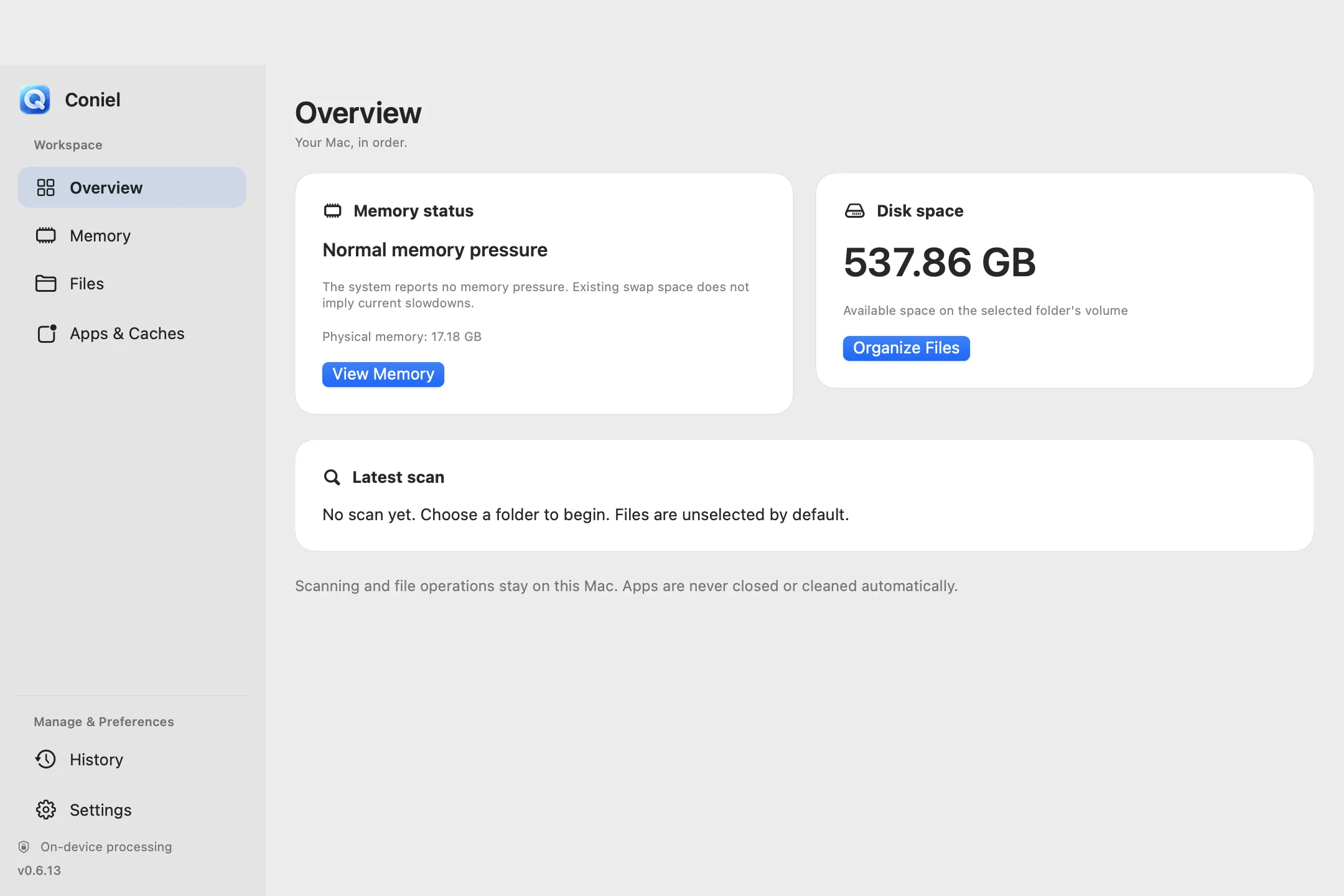
Understand memory usage, find files worth reviewing and organize app cleanup from one native workspace.
Coniel for Mac: 14-day trial · US$9.99 one-time
A LITTLE LESS FRICTION. A LITTLE MORE FOCUS.
Focused tools. Quiet companions. Find something that fits your day.
Five focused apps. One place to discover them.
A small moment of calm.
THE COLLECTION / 01—05
One app for each little thing.
Choose what fits your day.
View screenshot ↗Understand memory usage, find files worth reviewing and organize app cleanup from one native workspace.
Coniel for Mac: 14-day trial · US$9.99 one-time
 View screenshot ↗
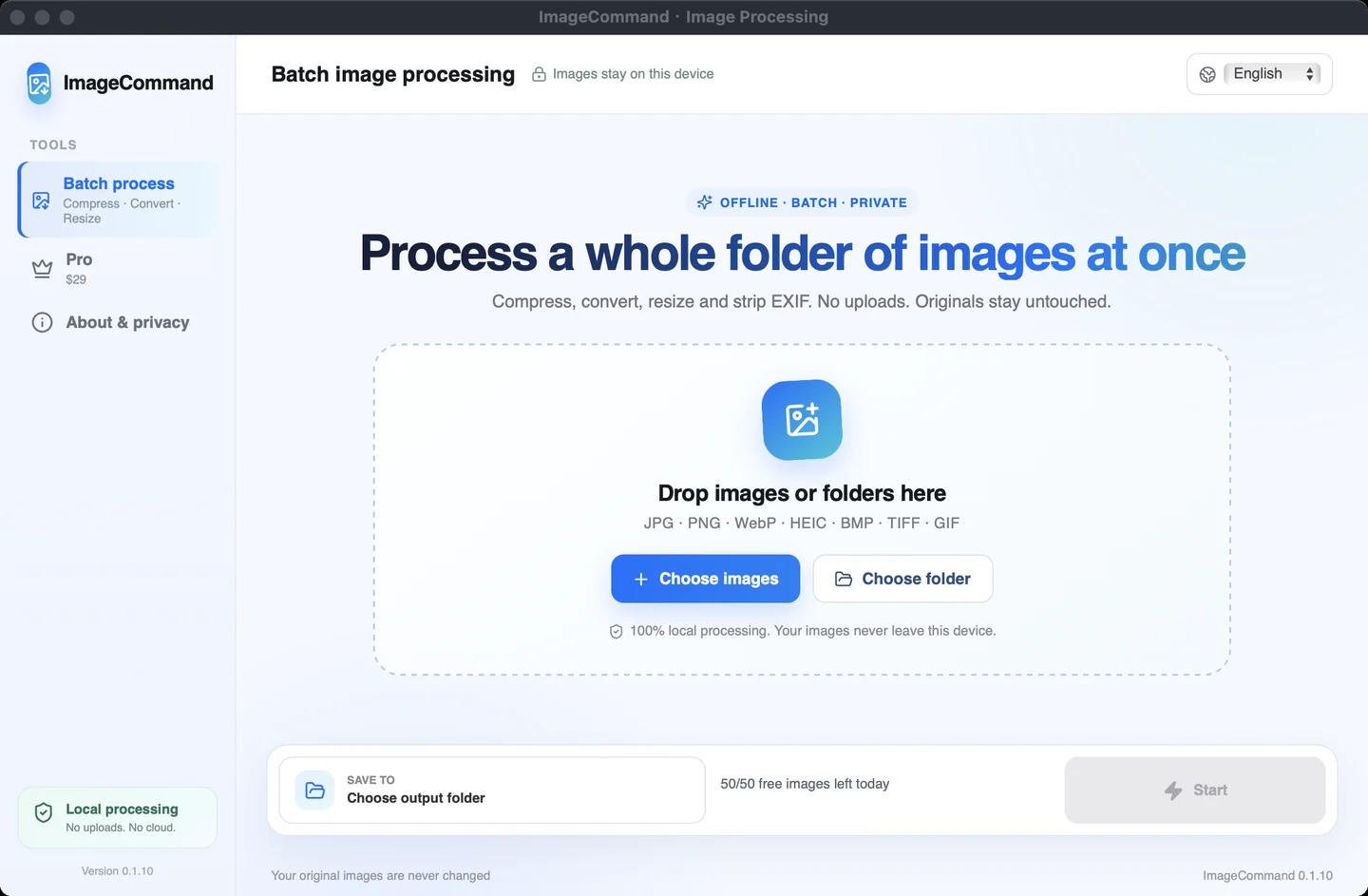
Convert, compress and resize images in batches. Process your files locally and spend less time repeating yourself.
Free: 50 images/day · Pro: US$29 one-time
 View screenshot ↗
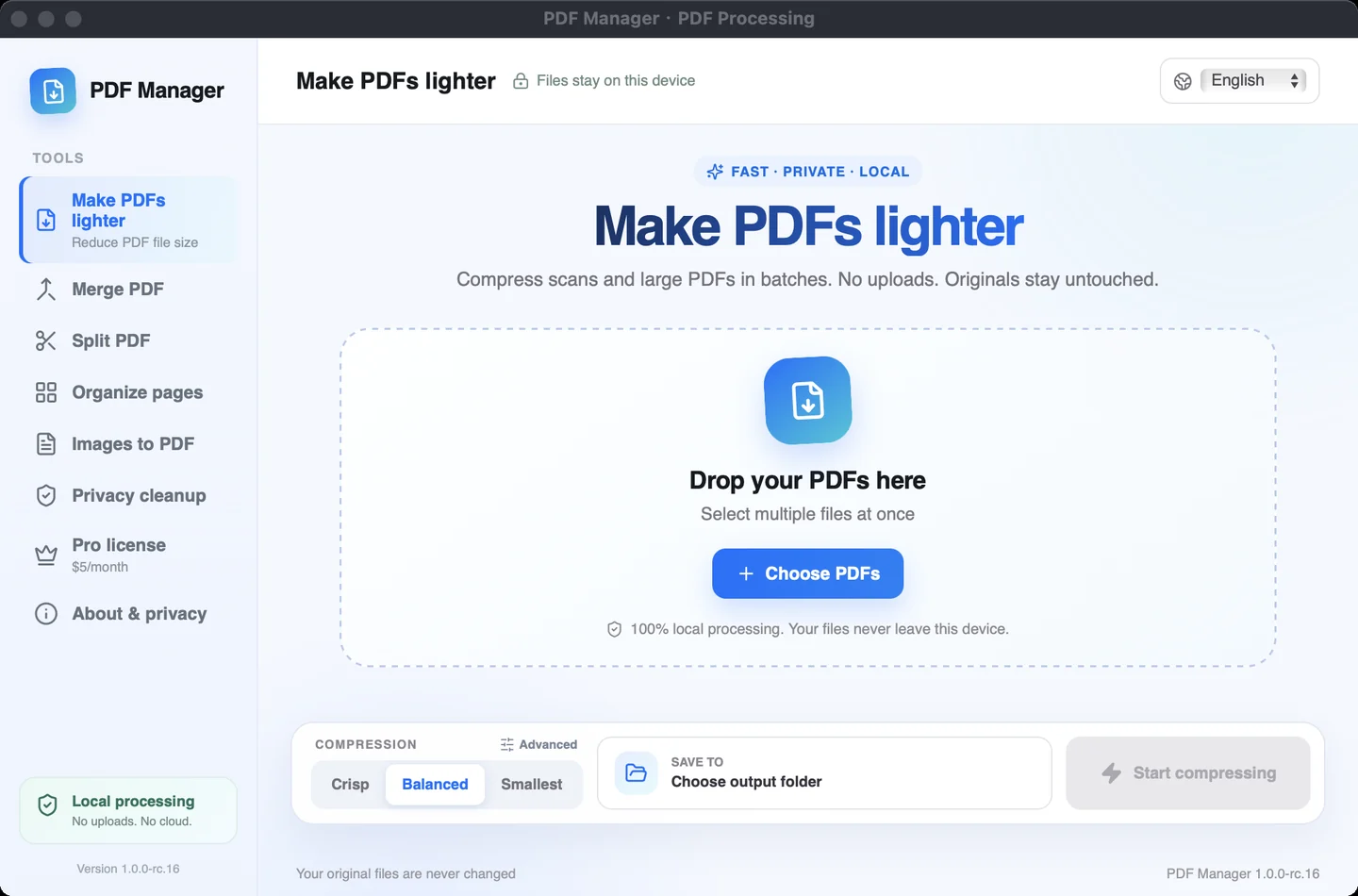
Compress, merge and organize documents in a focused desktop workspace. Keep everyday PDF tasks close at hand.
Free: 5 PDFs/batch · Pro: US$5/month
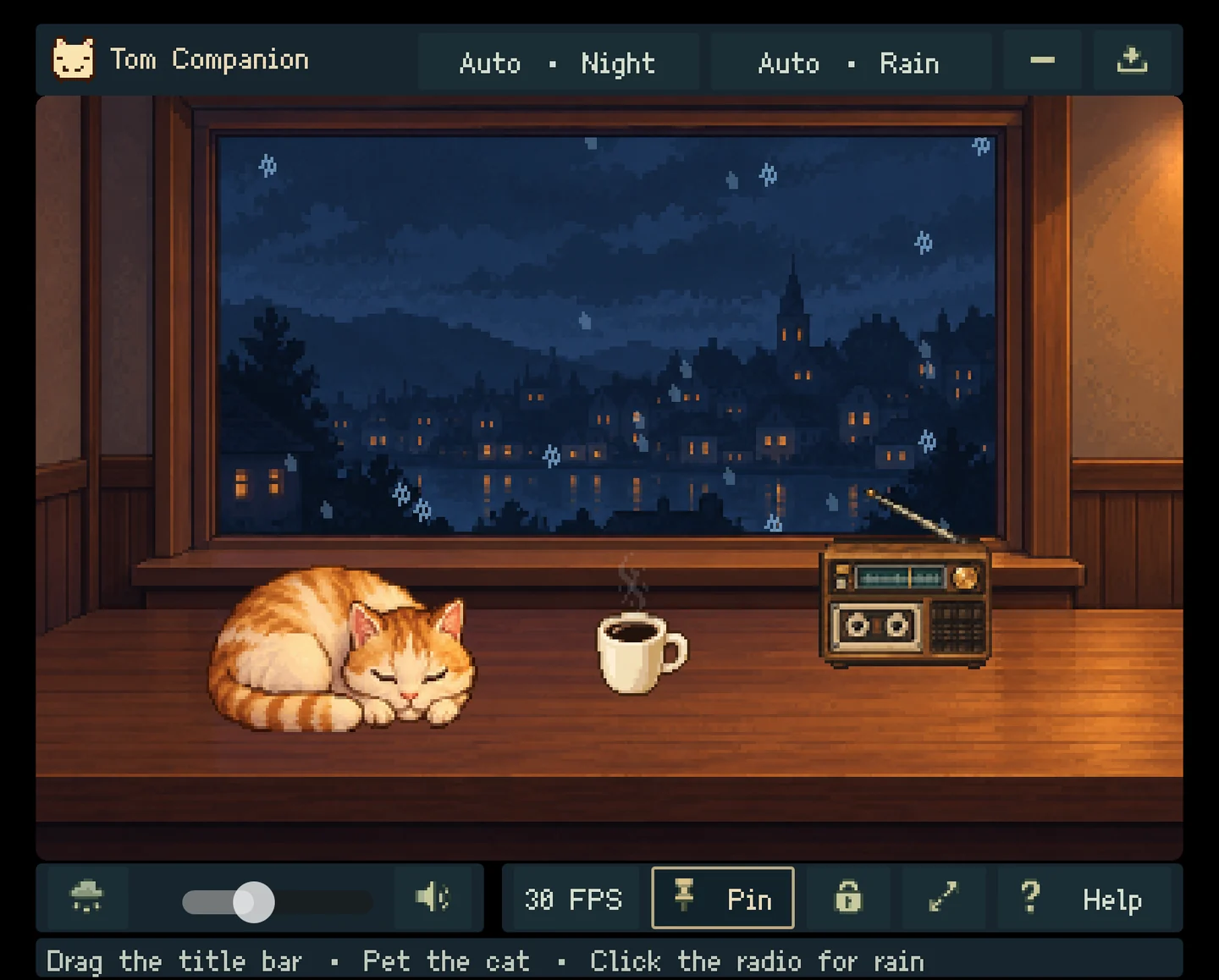
View screenshot ↗A pixel-art cat, a cup of coffee and changing weather. Give your desktop a little atmosphere between the things you do.
Free companion · Full version: US$3/month
 View screenshot ↗
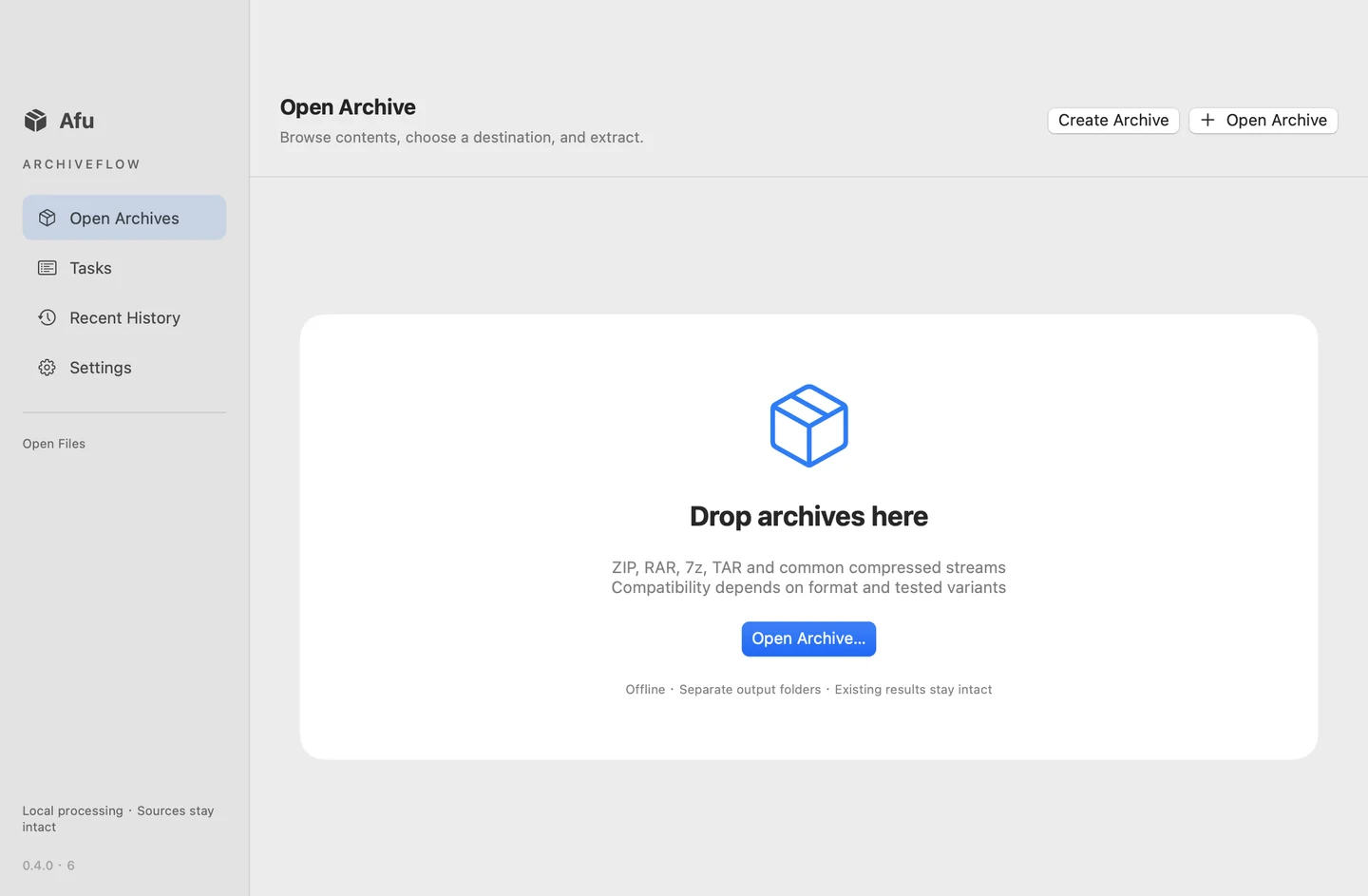
Create ZIP, 7z and TAR archives, encrypt ZIP/7z with AES-256, and extract selected files locally. Single-archive extraction is free; Pro adds batch extraction.
Free single-archive extraction · Pro: US$9.99 one-time
A SMALL, FOCUSED COLLECTION
Focused apps for specific jobs, from a folder full of images to a quieter corner of your desktop.
Explore real screenshots and platform details before choosing the app that fits your computer.
The current Mac builds support English and Chinese inside the app.
OFFICIAL DOWNLOADS
Pick your app. Check your platform.
Download directly from this site.
These Mac builds are not Apple notarized. ImageCommand and PDF Manager are Intel builds and require Rosetta on Apple Silicon. Current installers and release manifests for every product are hosted on this site.
macOS · Universal: Intel + Apple Silicon
fc73da0c440490afbfaa1847cb2c4e207710189917e59855cb512506d0677bdaWindows x64 · full installer
4e603e271e2cd2700f13956a53da9f276aa395a900511e903b1f73dd0eb51e21macOS · Intel; Rosetta required on Apple Silicon
402607bf541152de9dd65728b142258eab49cc44068c28a1e81c67a02f1c2d91Windows x64 · full installer
1d3121ca8694caae024c4e551728e6b754e56cd58551237a7954f2d8a2bef319macOS · Intel; Rosetta required on Apple Silicon
bcb3aad86f5ef3838f99325a349c48e453186f108e3caaa1231207623df6b1a4Windows x64 · full installer
5f44e76b729575f0bfa5cf2a765b9e0f2a0bd29e514ba26186914c4bd0661a24macOS · Universal: Intel + Apple Silicon
8ae5976502703a2e48329919f0c0a0f8d568ca85475483008e7080b61c8d6549Windows x64 · full installer
a8d8b4e8d31805659c1b89913e3db4f8ef5fa7d4cf43e38c8a137dc1475bd3bcmacOS · Universal: Intel + Apple Silicon
e6064eea26b6dd4be0851ad2fe1309ae084a3ffcc28aec84a571a5e9e425909fAll product installers and update manifests are hosted here. Tom Companion also has its itch.io page ↗. Download the current full installer for your platform.
A LITTLE HELP
More screenshots and product-specific
details are available on itch.io ↗.
Download the DMG for your app, open the disk image and drag the app to Applications. Check the requirements and signing status above before installing. These builds are not Apple notarized.
Coniel, Tom Companion and Afu are universal builds for Intel and Apple Silicon. ImageCommand and PDF Manager currently provide Intel builds, which require Rosetta on Apple Silicon.
Free features, trial availability and paid licenses vary by product. Review the relevant product page or the app's license screen for current options before purchasing.
Yes. The current Mac apps support English and Chinese inside the app. Previously saved language preferences may be retained when upgrading.
This site hosts current installers and update manifests. In Afu, open Settings → Software Update to check and download a verified update. For other apps, use their update screen when available, or download the current installer here. Quit a Mac app before replacing it in Applications.